
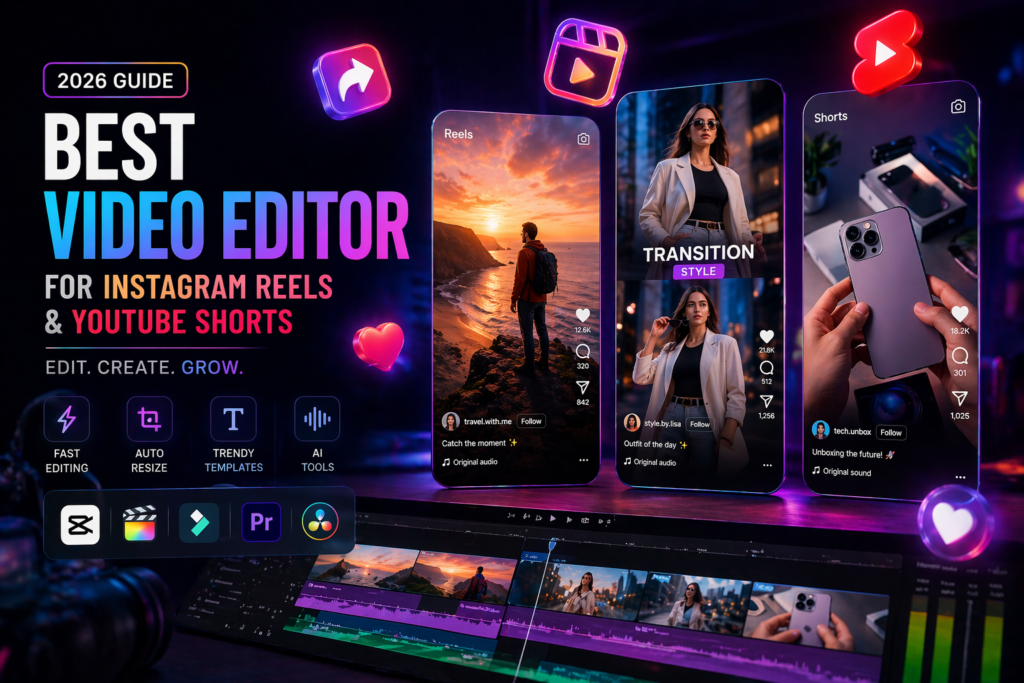
Professional Video Editor for Instagram Reels and YouTube Shorts (2026 Guide)
Short-form video is no longer just a trend—it’s the heartbeat of the internet. From Instagram Reels to YouTube Shorts, billions of views are generated daily, making it one of the most powerful tools for creators and businesses alike. In fact, YouTube Shorts alone gets over 90 billion daily views, showing just how massive this space has become.
But here’s the truth:
Your content idea matters—but your video editor decides whether it goes viral or gets ignored.
So, if you’re looking for the best video editor for Instagram Reels and YouTube Shorts, this guide will help you choose the perfect tool based on your needs.
🎬 Why Choosing the Right Video Editor Matters
In short-form content, attention is everything. You have 1–3 seconds to hook your viewer.
A good video editor helps you:
- Create fast-paced, engaging cuts
- Add captions (crucial for silent viewers)
- Use trending effects and transitions
- Maintain high retention rate
- Studies show that better pacing and editing can increase watch time and replay rates significantly.
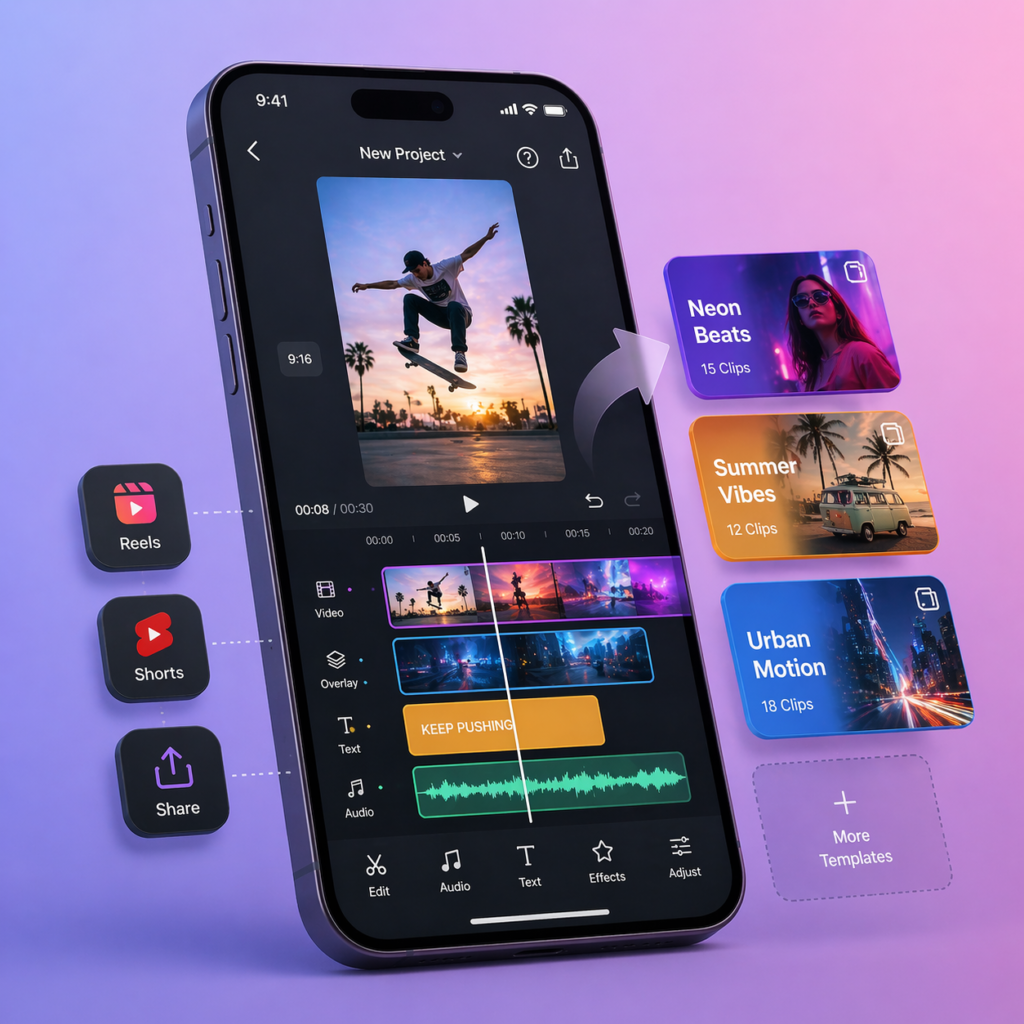
1.CapCut – Best Overall Video Editor
If there’s one tool ruling short-form content, it’s CapCut.
Why it stands out:
- Built specifically for vertical videos (9:16 format)
- Auto-captions and beat-sync editing
- Huge library of trending templates
- AI tools like background removal and object tracking
It’s widely used because it combines professional-level features with zero cost, making it perfect for beginners and pros alike.
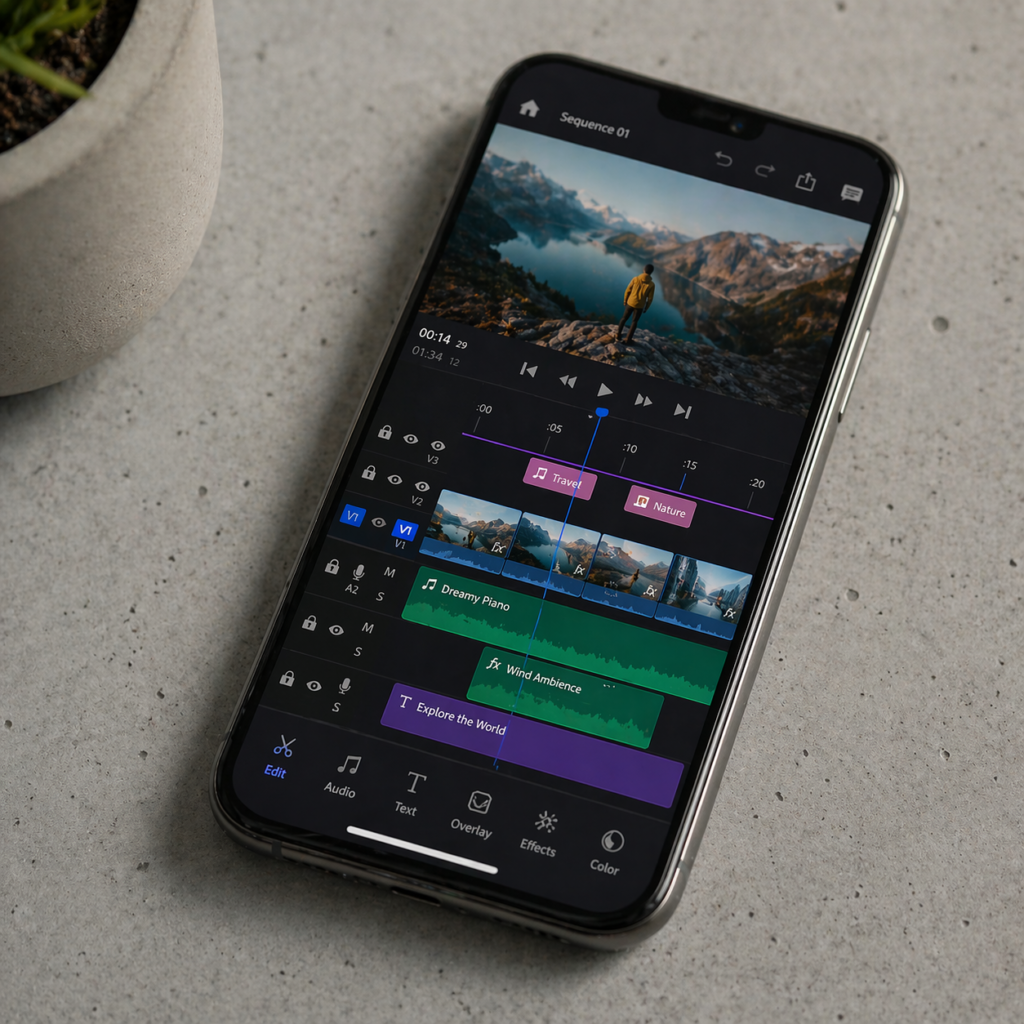
2.VN Video Editor – Best Free Pro Alternative
.VN is like a hidden gem for serious editors.
Features:
- Multi-layer timeline
- Keyframe animation
- Advanced color grading
It gives you professional control without paying anything, though it takes time to learn.
Best for: Intermediate to advanced editors.
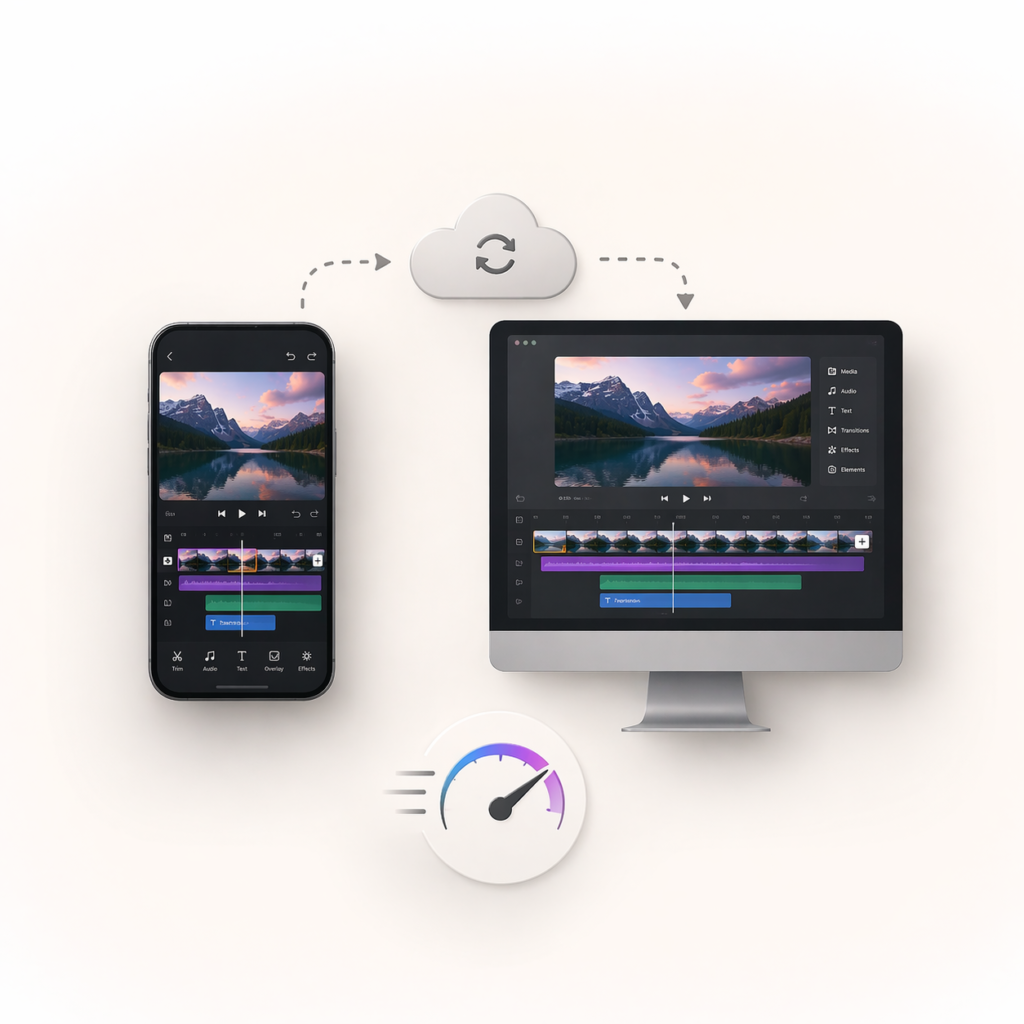
3.Adobe Premiere Rush – Best for Professionals
This is a lighter version of Adobe Premiere Pro, designed for social media.
Features:
- Cross-device editing (mobile + desktop)
- Motion graphics templates
- Professional color grading
Best for: Agencies and professional video editor.

4.Canva – Best for Template-Based Editing Text Here
If your content is more design-heavy, Canva is a strong choice.
Features:
- Drag-and-drop editing
- Ready-made templates
- AI-powered video creation
Best for: Brands, marketers, and designers.
FAQ
1. Which is the best video editor for Instagram Reels?
CapCut is considered the best due to its templates, AI tools, and mobile-friendly features.
2. Which video editor is best for YouTube Shorts?
CapCut, VN, and Premiere Rush are excellent options depending on your skill level.
3. Do I need a professional video editor to grow on social media?
Not necessarily—but a skilled video editor can significantly improve quality, engagement, and growth.